Alien Rocket Cosmic Escape
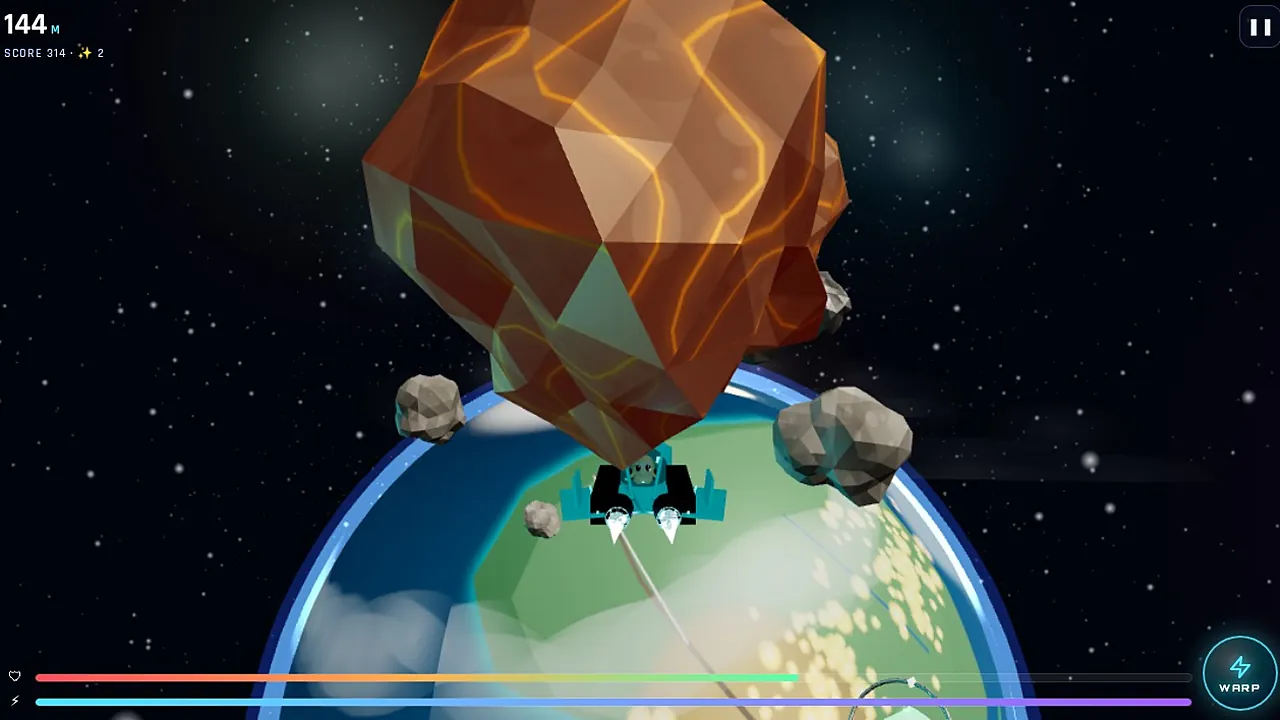
Move the rocket with W, A, S and D or with the arrow keys. Both sets move the rocket, so use whichever sits better under your fingers. Small corrections are the habit to build, since the rocket has to dodge what is ahead.
The run takes you up from Earth's atmosphere into deep space, and the scenery changes as you climb while the challenges grow more intense. In the way are asteroids and UFOs, and Stardust is there to be collected along the route. Missions and achievements sit alongside the flying, along with unique rocket skins to discover.
Two players can share one keyboard in split-screen. Player 1 uses W, A, S and D, Player 2 uses the arrow keys, and both must survive as long as possible. P or ESC pauses the game.
How to play
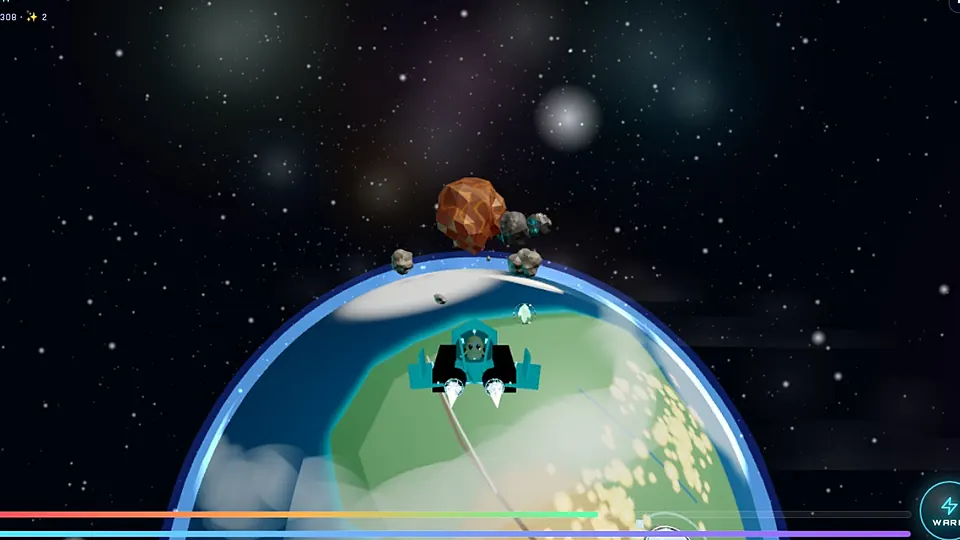
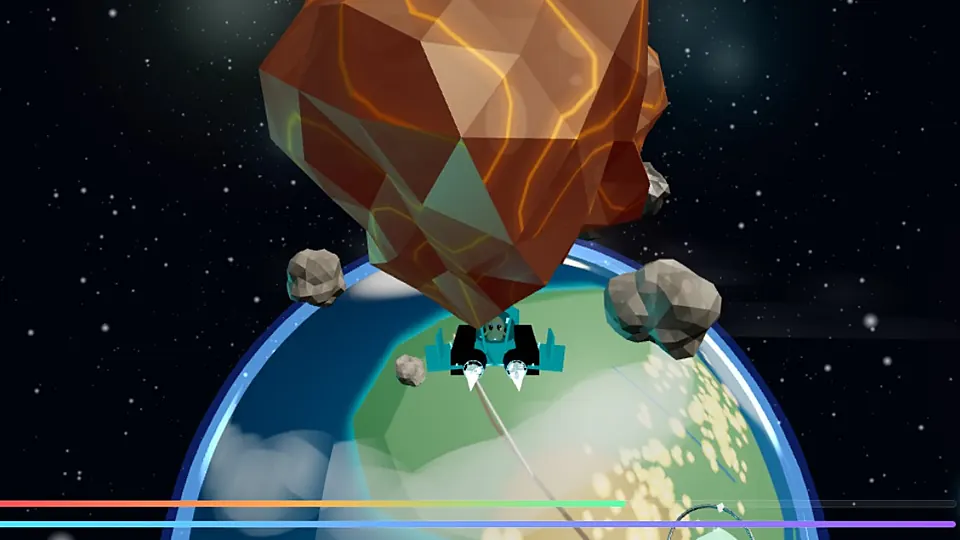
When a run begins, the rocket leaves Earth's atmosphere and climbs toward deep space, with asteroids and UFOs in the way. Steer around them, collect Stardust and complete missions as the challenges grow. Watch the obstacles ahead and plan the next move before the last one ends.
- Move the rocket with W, A, S and D or the arrow keys.
- Dodge asteroids and UFOs, and collect Stardust.
- Press P or ESC to pause.
- In two-player split-screen, Player 1 uses W, A, S and D and Player 2 uses the arrow keys.
- Both players must survive as long as possible.
Controls
| Input | Action |
|---|---|
| W / A / S / D | Moves the rocket (Player 1 in split-screen) |
| Arrow keys | Moves the rocket (Player 2 in split-screen) |
| P / ESC | Pauses the game |
Tips
- Keep your movements small, so a nudge is enough to clear an asteroid.
- Pause with P or ESC whenever you need to look away from the screen.
- Stay away from the screen edges to leave room to move both ways.
- Grab Stardust only when the path around it is clear.
- Agree who uses which keys before a split-screen run starts.
Screenshots
Our take
It is at its best in the stretch where the atmosphere gives way to space and the challenges start to build. The limitation is that the controls are listed for a PC keyboard, so that is the setup to plan for. Players who like dodging, a shared-screen option and a changing backdrop will still love it. Beginners get four-direction controls that are quick to learn, while experienced players can aim at staying alive longer and collecting Stardust on the way.
Questions and answers
What is the trickiest part of flying the rocket?
Dodging. Asteroids and UFOs are in the way, and the challenges become more intense as you climb from Earth's atmosphere into deep space.
Can I pause the game?
Yes. Press P or ESC.
What is the best device to play on?
A PC with a keyboard. Movement uses W, A, S and D or the arrow keys, and two players can share the keyboard in split-screen.