BU
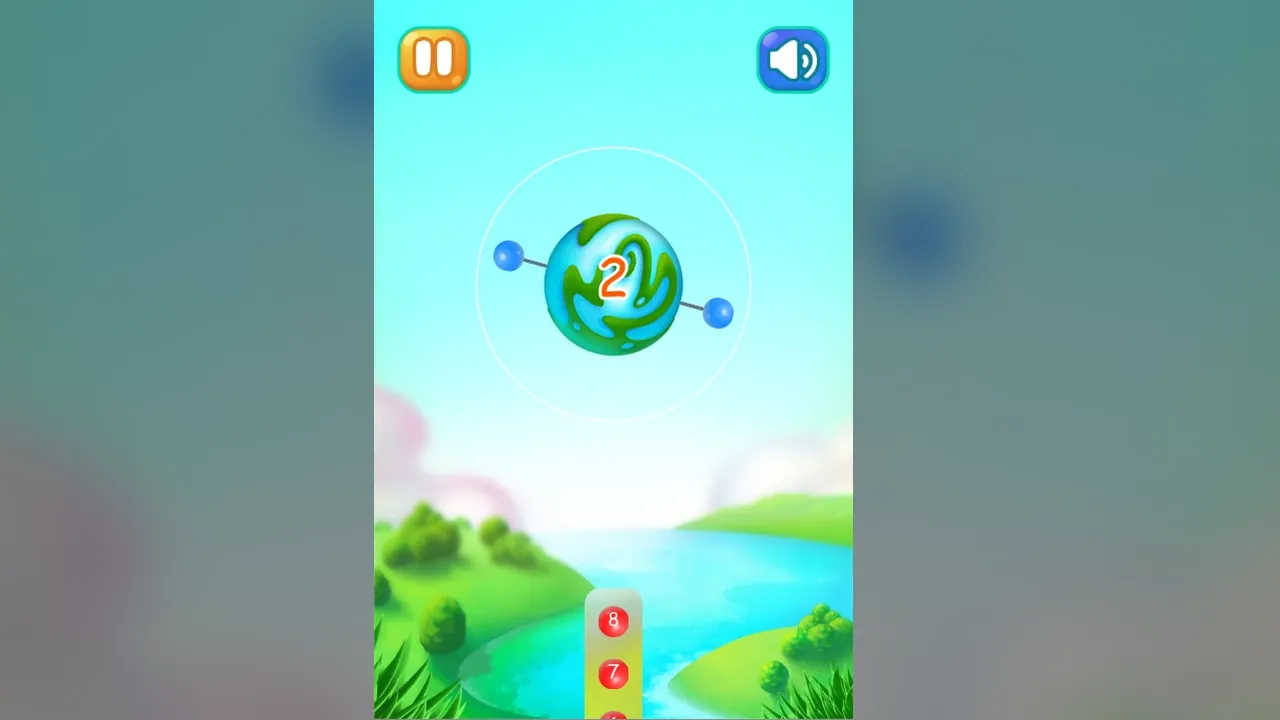
The planet is already turning on the screen. Pins wait at the bottom. Move your cursor or finger and the aim shifts; click or tap and a pin leaves.
Soon the first pins are stuck in the planet, and the next throw has to find a space between them. The pin flies in a straight line, so there is no steering after release. All the work happens before you click: where the existing pins are, how fast the planet turns, and where yours will arrive. A pin that touches another pin on the screen ends the level. Levels differ from one another, and the pins already placed are the obstacles you need to read.
How to play
- A level ends as soon as a pin collides with one already on the screen, so every throw is about avoiding that.
- Watch the turning planet and the pins already on it.
- Move your cursor or finger to set the aiming direction of the pin.
- Click or tap to release the pin, which travels in a straight line the way you aimed it.
- Repeat with the next pin, keeping each throw clear of the pins on the screen.
The pin does not curve or change course after release, so the aim you set is the path it takes. Waiting for a clear gap matters more than throwing quickly.
Controls
| Input | Action |
|---|---|
| Cursor or finger movement | Adjusts the aiming direction of the pin |
| Click or tap | Releases a pin |
Tips
- Judge the gap before you click, because the pin flies straight and cannot be corrected.
- Watch the planet for a full turn if you are unsure; open spaces come around again.
- Aim slightly ahead of where a gap is now, since the planet keeps turning while the pin travels.
- Leave room between your own pins; tightly packed ones leave fewer safe gaps.
- Keep cursor or finger movements small, because a slight shift changes the aiming direction.
- Treat each level separately, as a layout that took patience once may need different timing next.
Screenshots
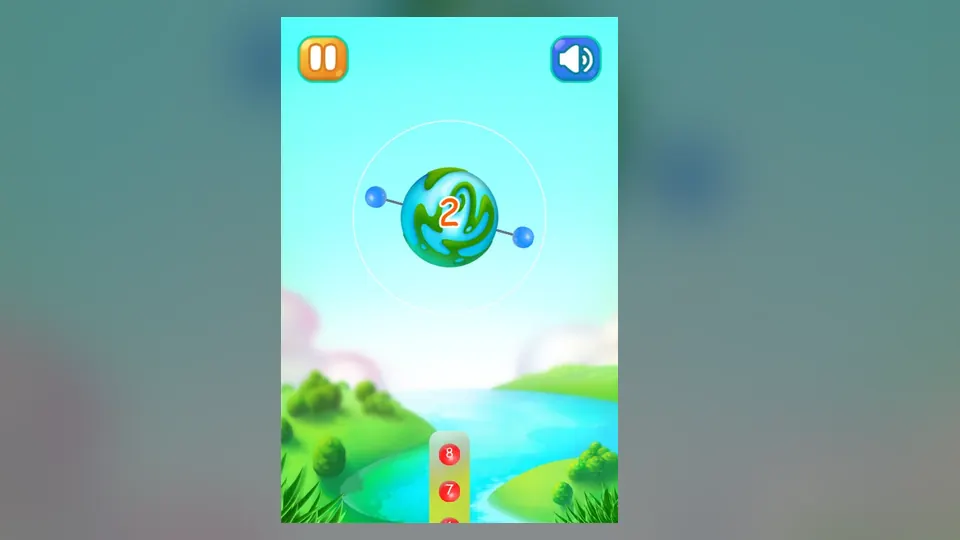
Our take
The strongest point is the single-input throw: move to aim, click to release, and the straight path makes every miss easy to read. Players who like precise timing and a clear cause for each failure will enjoy it. Anyone who wants a game with many different actions, or who dislikes repeating a level after one wrong throw, should look elsewhere. Because a touching pin ends the level, there is little room to be careless, and that is exactly what gives short attempts their tension.
Questions and answers
How hard does BU get?
Levels differ from one another, and as pins collect on the planet there is less open space to aim at. Since touching another pin ends the level, each throw needs more care.
Can I play BU on a phone?
Yes. Move your finger to adjust the aiming direction and tap to release a pin, so it works on touch screens too.
What ends a round?
A pin that collides with another pin already on the screen ends the level.