Drift Master
Players who like sliding a car sideways more than racing a straight line will get the most from this one.
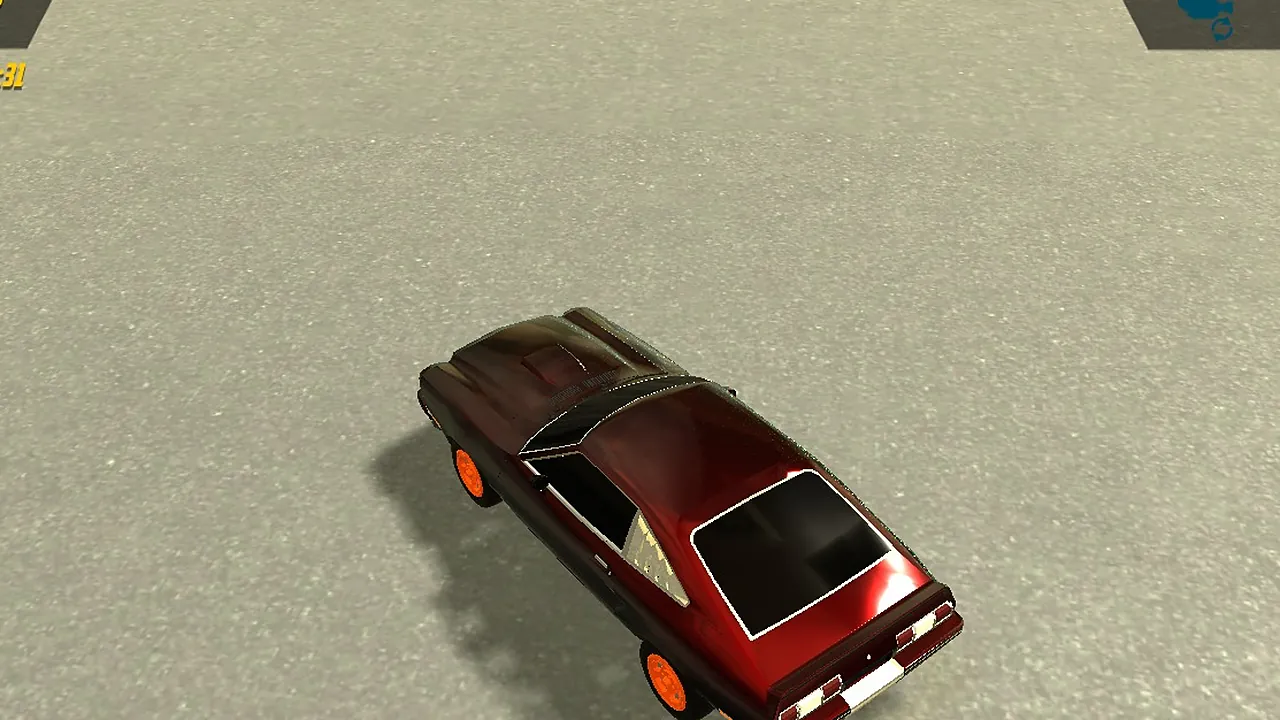
The view sits above and behind a dark red car with orange wheels, and the surface around it is wide, open grey ground. A counter and a timer sit at the top left. You steer with WASD, pull the handbrake with Space and use F for nitro. The car can be modified to your liking, and the roads can be driven by day or by night. Because the car is the main thing on screen, how it slides is what you notice first.
The pace is built around speed and drifting, so you spend your time turning, hitting the gas and lining up the next slide. A pause button sits at the top right when you need a break.
How to play
You control a single car, seen from above and behind. Press the gas and steer to get moving, then use the handbrake to kick the back end out and slide. Press F for a nitro boost when you want extra speed. The ground is wide and open, so you can try the same slide again and again.
- Use W, A, S and D to drive the car.
- Press Space for the handbrake to start a drift.
- Press F for nitro when you want extra speed.
- Release Space when the slide is done.
- Watch the timer at the top left while you drive.
Controls
| Input | Action |
|---|---|
| W A S D | Control the car |
| Space | Handbrake |
| F | Nitro |
Tips
- Start slowly in the open space until you feel how the car slides.
- Tap Space briefly rather than holding it, so the drift stays under control.
- Save F for straight stretches where the nitro will not push you off line.
- Keep an eye on the timer in the corner, not only on the car.
- Steer into the slide with A or D and ease off the gas as you recover.
Screenshots
Our take
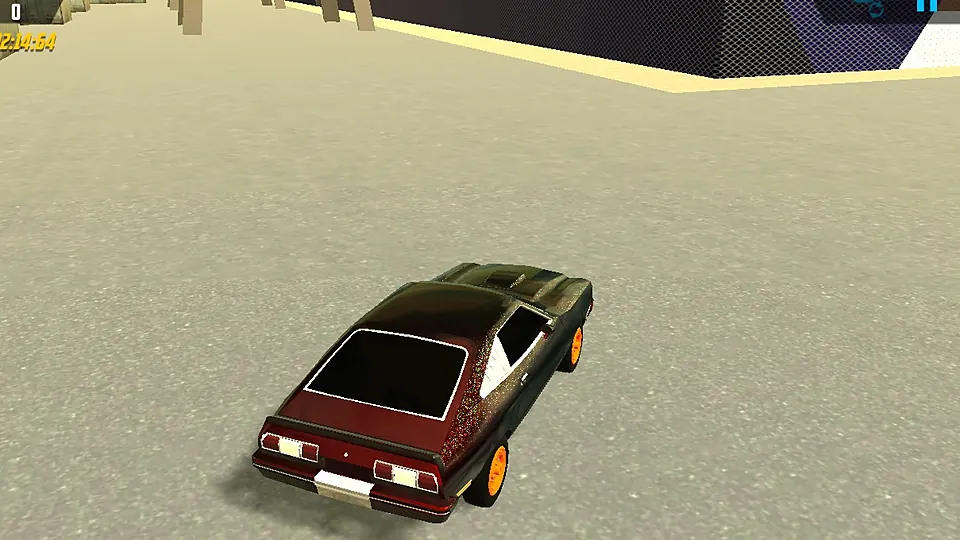
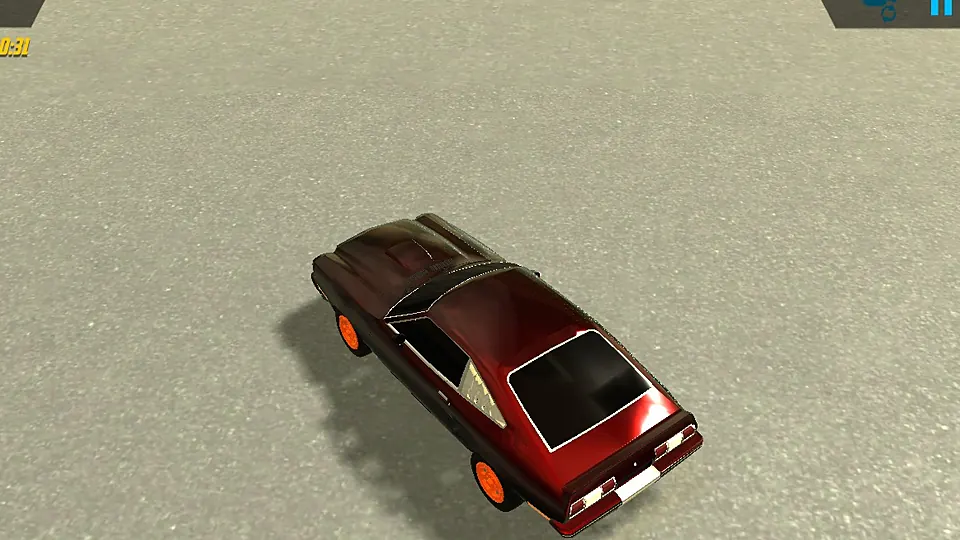
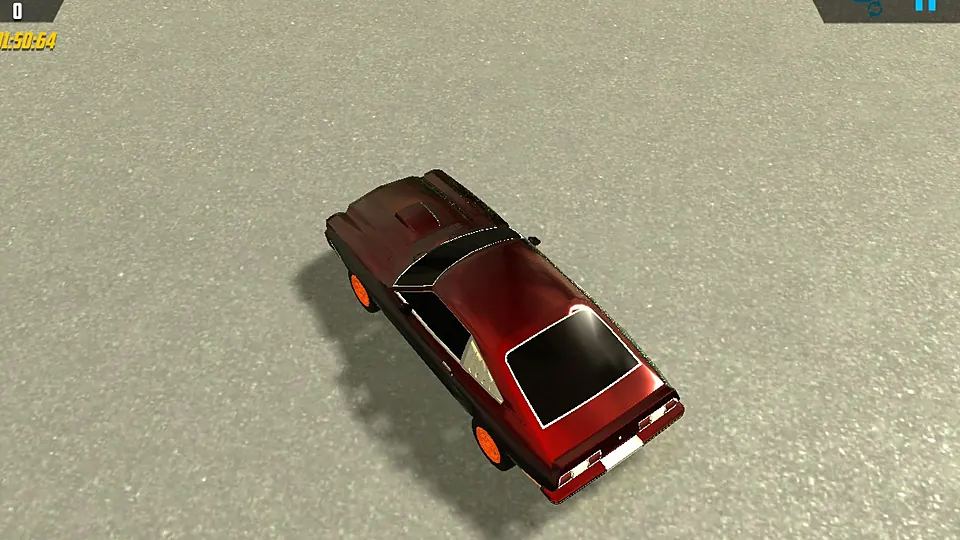
The open grey ground and the lone red car promise a driving sandbox, and the controls match that: gas, handbrake and nitro on a few keys. If you enjoy learning how a car behaves and sliding it in tidy arcs, you will find plenty to practise. Players who want rivals, a track to follow or a rich variety of scenery should look elsewhere, since the visible space is plain and the focus stays on one car. The keyboard layout also suits a desktop better than a phone.
Questions and answers
Which keys do I need?
W, A, S and D drive the car, Space is the handbrake and F activates the nitro.
Where is the timer?
It sits below the counter at the top left, so you can glance at it while you drive.
Can I change my car?
Yes. You can modify your vehicle to your liking.