EG Barrier
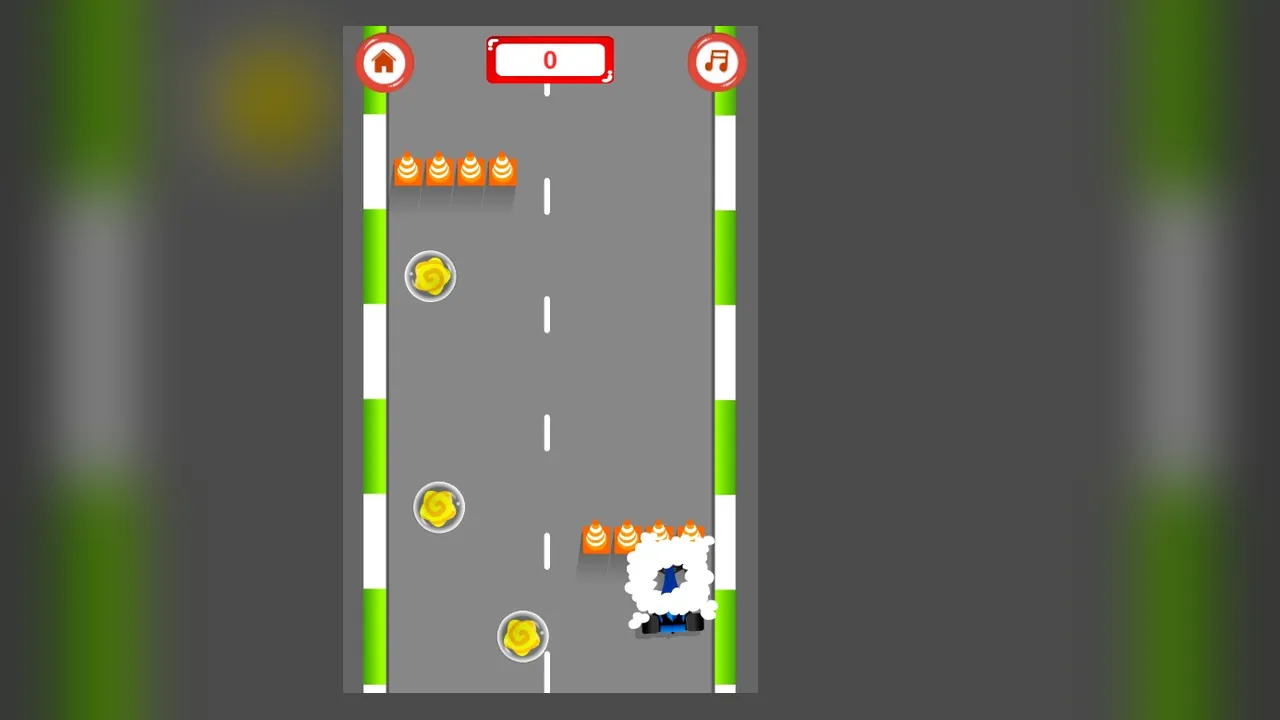
Speed is the problem. The road keeps coming, rows of obstacles slide in from the top, and the pace creeps up until your next tap lands half a beat late.
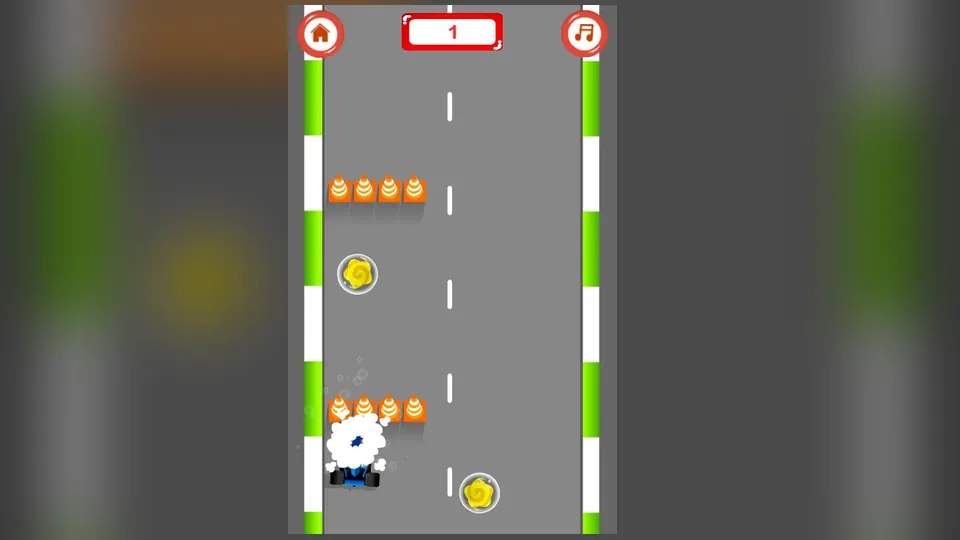
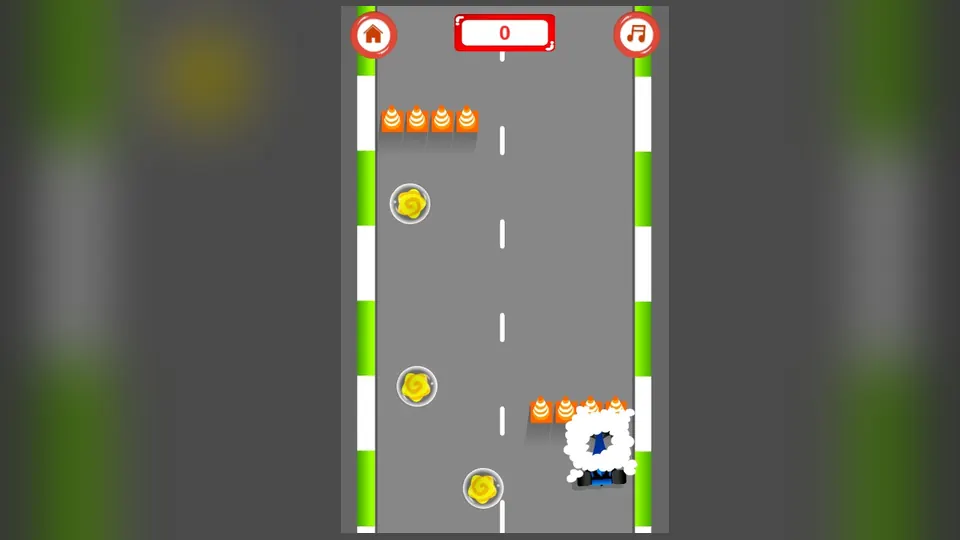
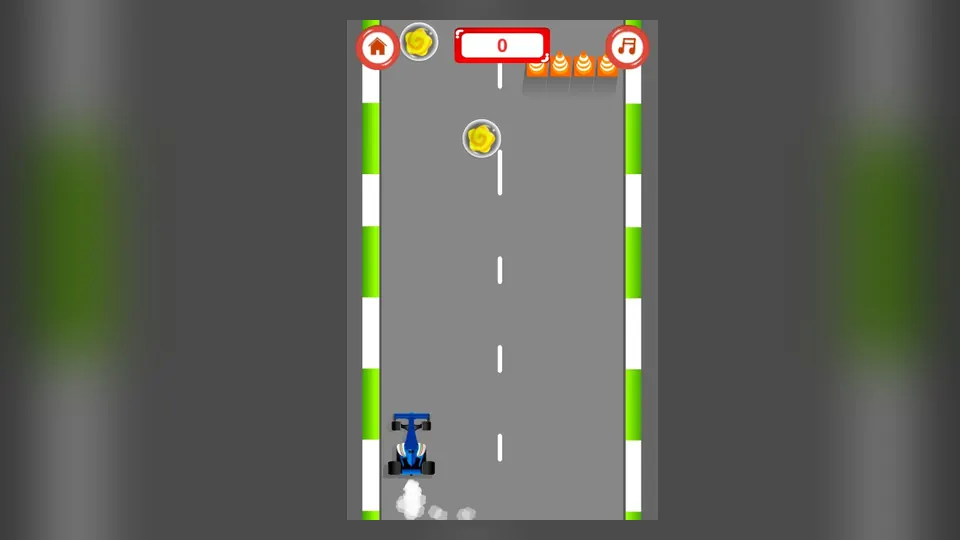
The car starts in the middle of the road. Your only decision is left or right: click or touch, and the car moves across. Stars sit between the obstacles, and each one you take adds to the score shown at the top of the screen. That is where the tension comes from, because a star placed beside a row of obstacles pulls you toward the very spot you want to avoid. As the speed rises, the gaps give you less time to read them, and a simple one-input game becomes a test of nerve.
How to play
- In the first seconds, the car sits in the middle of the road while obstacles scroll toward it from the top of the screen.
- Click the mouse or tap on the screen to shift the car to the left or right.
- Steer into the open space between obstacles.
- Take the stars on the way to add points to your score.
- As the round goes on, the speed increases, so each gap passes faster than the last.
Avoiding a hit is the whole point, so every move trades a safe lane against a star. Choose a line through the next row first, then decide whether a star on that line is worth the extra move.
Controls
| Input | Action |
|---|---|
| Mouse click | Moves the car to the left or right |
| Touch | Moves the car to the left or right |
Tips
- Look two rows ahead instead of at the car, so the next gap is already chosen when the current row passes.
- Take a star only when the lane beside it is open, since a missed star costs less than a collision.
- Move early rather than late, because there is less time to react as the speed climbs.
- Settle in the middle of the road between rows, so either side is one move away.
- Expect the later part of a run to feel quicker, and keep your inputs small and deliberate.
Screenshots
Our take
The difficulty curve starts gently and tightens with every second, because the one thing that changes is speed. That makes it easy for a beginner to read: one input, one road, and a clear reason for every miss. Experienced players get a different job, which is pushing the score higher by judging when a star is worth a detour toward the obstacles. The limitation is variety. The setup is a single road with obstacles and stars, so a long session repeats the same decisions. Treat it as a quick run that rewards a steady hand.
Questions and answers
What is the hardest part of EG Barrier?
The speed. It rises gradually, so gaps that are easy to read early on become harder to judge later, and stars placed near obstacles tempt you into risky moves.
What is shown at the top of the screen?
A score box sits at the top of the screen, and the stars you take add to it.
Can I play it on a phone?
Yes. A mouse click or a touch moves the car to the left or right, so a touch screen and a mouse both work.