EG Rico Orange
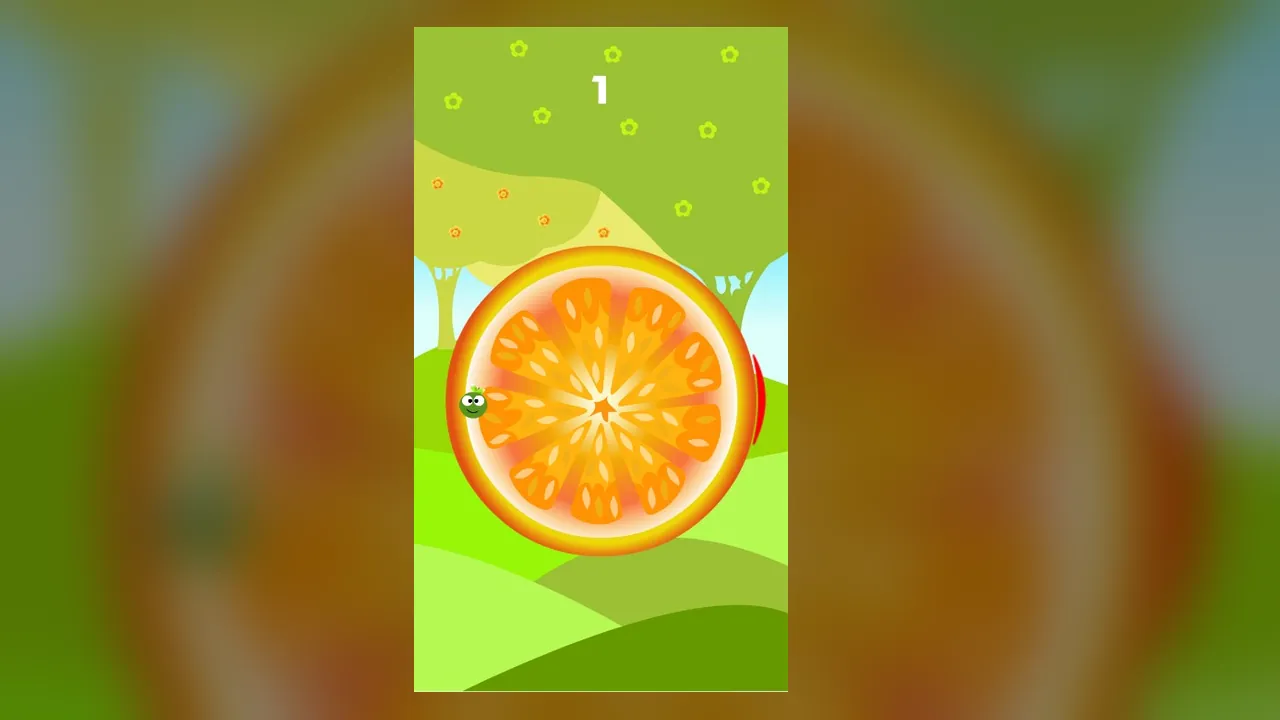
Keeping the small green orange inside the big one sounds easy until the speed picks up.
A large orange slice fills the middle of the screen, and a small green round character sits on its rim. The score counter at the top starts low and goes up while you hold the small orange in place. You use a mouse click, a tap or an arrow key to put the pong behind it. As the round goes on the game gets faster, and that growing pace is what makes you misjudge the moment.
Each moment you keep it in earns points, so a longer run means a higher number at the top. The small orange must never leave the big one.
How to play
The small green orange moves around the big orange in the opening seconds, and you have time to read its path. As the round goes on the pace increases, so your reactions have to come earlier. Click, tap or press an arrow key to put the pong behind the small orange before it slips out. Do not wait for it to reach the edge of the big orange.
- Keep the small green orange inside the big orange.
- Use a mouse click, a tap or an arrow key to put the pong behind it.
- Earn points for every moment you keep it in.
- Expect the speed to rise gradually as you go.
Controls
| Input | Action |
|---|---|
| Mouse click | Put the pong behind the small green orange |
| Touch tap | Put the pong behind the small green orange |
| Arrow key | Put the pong behind the small green orange |
Tips
- Watch the small green orange itself rather than the score at the top.
- Place the pong a little early, because the pace rises as you go.
- Stay with one input, click or arrow key, so your timing becomes steady.
- Keep your hand relaxed between presses; tense, rapid tapping gets sloppy.
- Expect the first seconds to be the slow ones and use them to find your rhythm.
- Reset your focus after a miss instead of rushing the next press.
Screenshots
Our take
The difficulty curve is gentle at the start and steeper later, because the speed rises gradually and eventually outpaces a careless press. That shape suits a short break, and the score gives you a number to beat. On a long sitting the same single task repeats, so the appeal rests on chasing a higher score rather than on variety. If you like a simple reflex job with bright, clean visuals, it does that job well. If you want new objects or changing scenery, look elsewhere.
Questions and answers
How does scoring work?
You earn points while you keep the small green orange inside the big orange. The counter at the top of the screen shows your total.
What should I do when I keep losing the small orange?
Press earlier. The game speeds up as the round goes on, so waiting until the small orange is at the edge is usually too late.
Can I play it with touch or a mouse?
Yes. A mouse click, a touch tap or an arrow key puts the pong behind the small green orange.